
Before class
Prepare to teach
Use the textbook and its guide to plan explanations, activities and pace.
ExploreStoriBubb for schools
Define the curriculum and teaching needs first. Then bring learning content, dual-screen devices and services into a practical school plan.
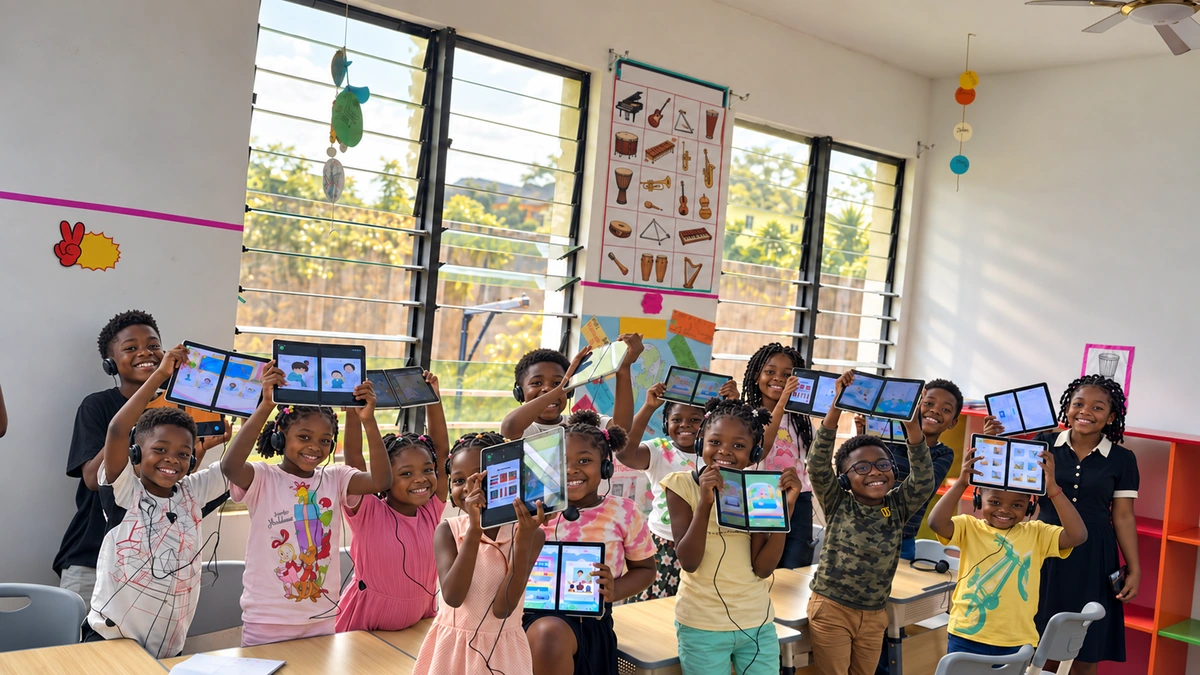
Teaching together
Try the teacher’s controls. Follow the same page and annotations across three pupil devices, then open an activity or an exercise together.
Teacher
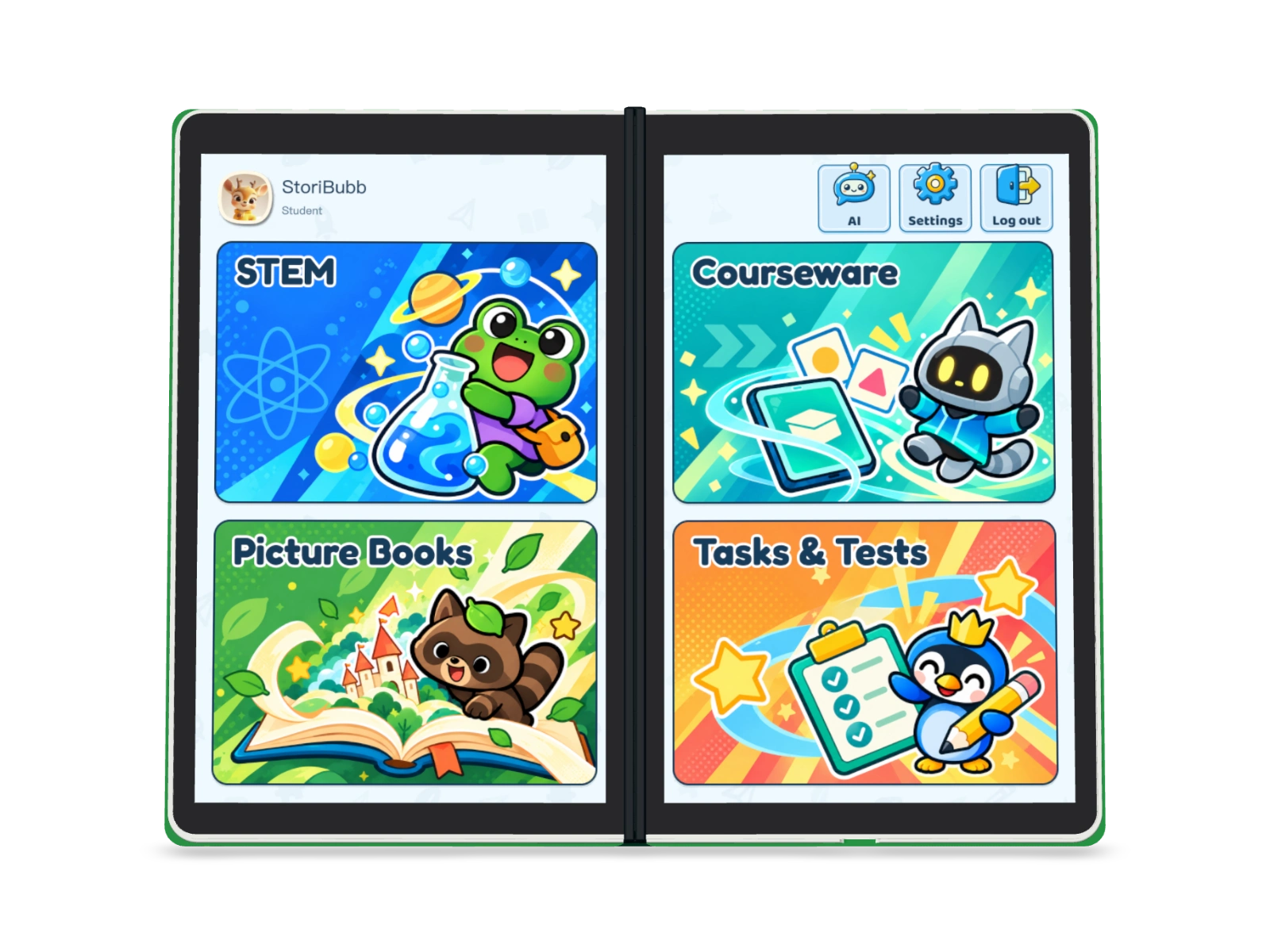
Before class
Use the textbook and its guide to plan explanations, activities and pace.
ExploreDuring class
Teachers synchronise page turns, share annotations and lead the class into activities and exercises.
ExploreAfter class
Review recorded activity, return and recharge devices, and plan what follows.
ExploreFrom planning to use
Agree subjects, year groups, languages and the first resources around your school’s needs.
Confirm devices, AI Station, accounts, local connections and content licensing.
Arrange setup and teacher introduction so content fits into the school routine.
Review use and discuss content updates, support and next requirements.
Beyond the lesson
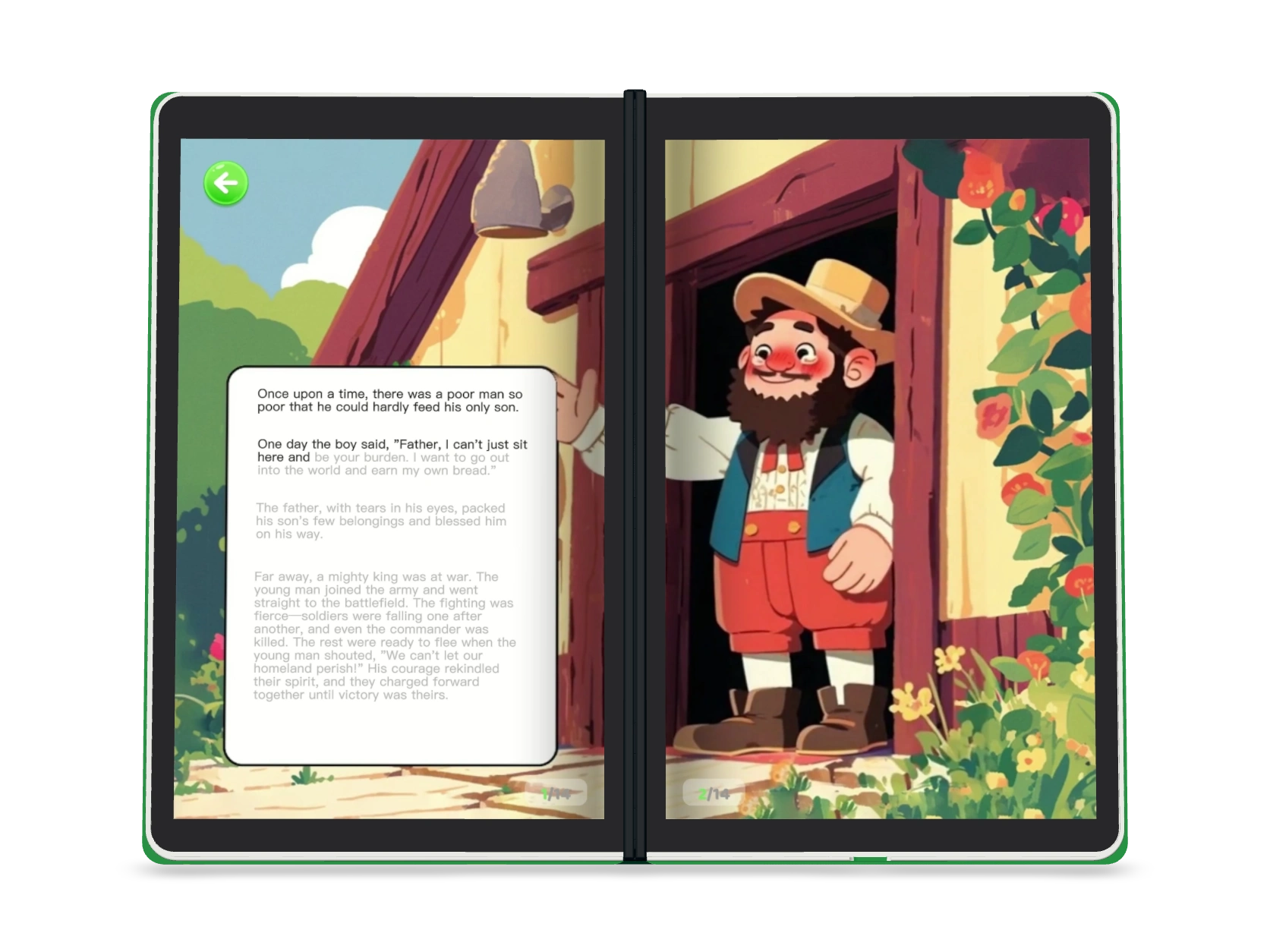
Add stories, STEM reading and multilingual content around the school routine. Resources, editions and subscription scope are agreed in the proposal.
StoriBubb
Tell us about your curriculum, learners and school routine. We can agree the content, equipment and support together.
Discuss a school solution